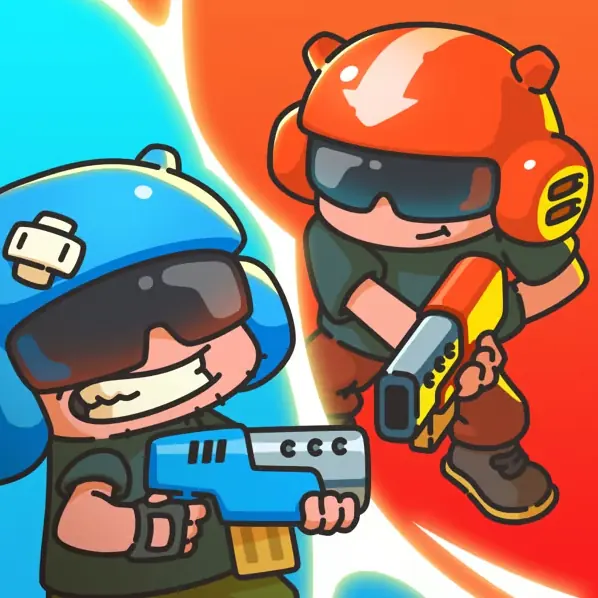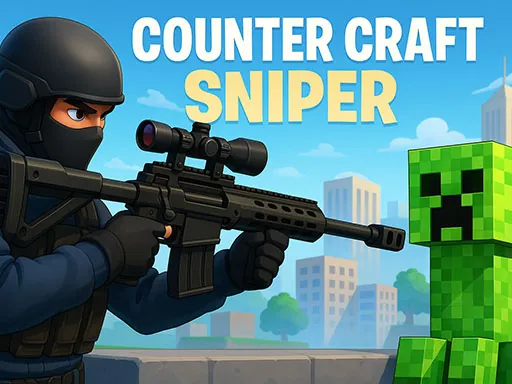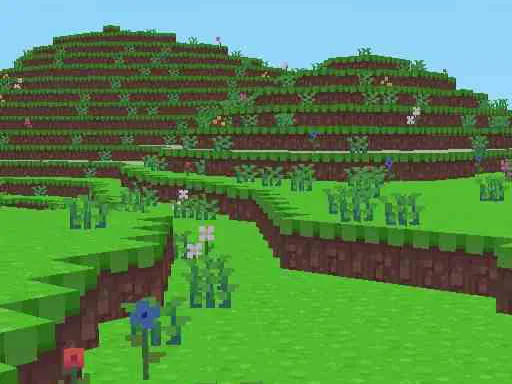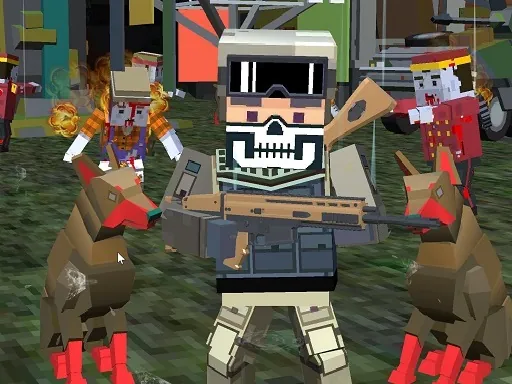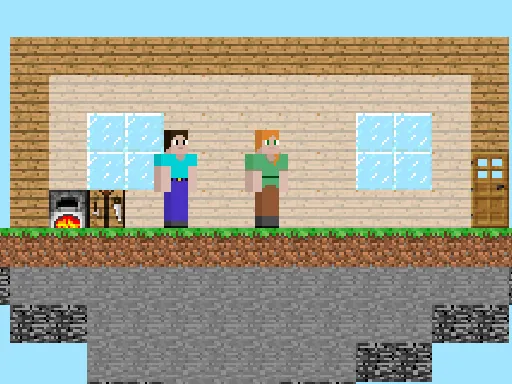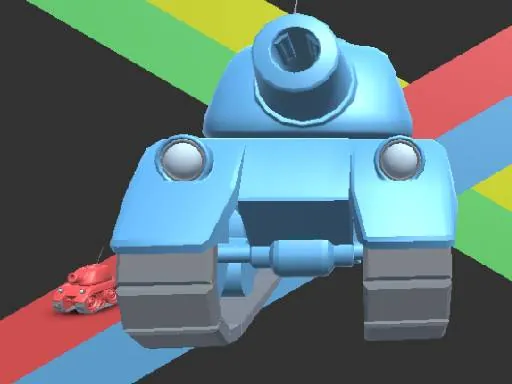

Welcome to the ultimate cubic battlefield in Craft of Wars, where the timeless conflict between the Reds and the Blues reaches its most explosive and strategic peak. This is more than just a skirmish; it's a full-scale war of attrition, cunning, and raw combat skill, all unfolding within a distinctive blocky aesthetic that pays homage to classic sandbox adventures. In Craft of Wars, every match is a dynamic struggle for dominance over key strategic points on the map, demanding not only quick reflexes but also sharp tactical thinking. The core of the experience lies in its deeply engaging and familiar combat system, reminiscent of beloved older sandbox titles, which has been finely tuned for intense player-versus-player action. You'll master the art of close-quarters swordplay, trading precise blows with opponents, while also becoming a deadeye with the bow for lethal long-range engagements. The chaos of battle is amplified by the strategic deployment of TNT, turning the tide with well-placed explosions, and the clever use of various potions to gain temporary buffs or debilitate your foes. Survival often hinges on the legendary golden apples, precious resources that can heal you in the heat of the fiercest clashes. Craft of Wars is built for those who crave meaningful PvP: every duel, every captured point, and every tactical decision contributes to your faction's glory. Whether you prefer aggressive assaults or supportive roles, the game offers a depth of strategy that will keep you coming back. Prepare to immerse yourself in the definitive cubic war experience, where your combat prowess and strategic mind will be tested in every epic battle of Craft of Wars.
Craft of Wars Instructions
Q: What are the basic controls for playing Craft of Wars on PC?
A: Use W, A, S, D keys for movement. Control your view with the mouse. Left-click to attack, shoot, or interact. Right-click to block or defend. Press keys 1, 2, or 3 to switch between your weapons quickly. Press F to pick up items from the ground.
Q: How do I control my character in Craft of Wars on a smartphone?
A: On mobile, use the virtual joystick on the left to move your character. The right side of the screen has a touch area for camera control. You'll also find dedicated on-screen buttons for aiming, attacking, and changing your equipped weapon.