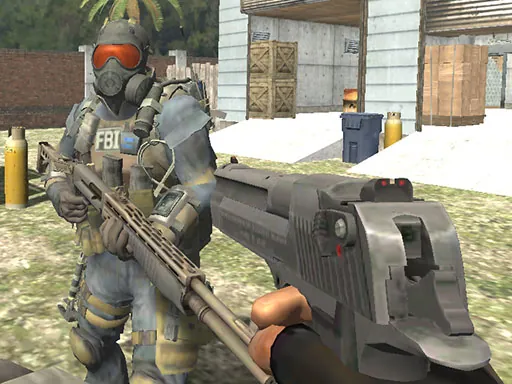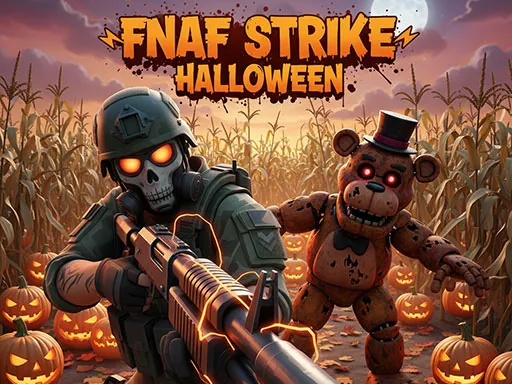

FNAF Strike Halloween plunges you into a terrifying first-person shooter experience set within the iconic Five Nights at Freddy's universe. Your mission is simple yet horrifying — survive each Halloween-themed level by blasting through waves of deadly animatronics and locate the exit before they catch you. Each environment is filled with chilling decorations, haunted corridors, flickering lights, and eerie sounds that define the ultimate FNAF Strike Halloween horror. As you progress, new challenges, hidden traps, and stronger enemies will test your reflexes and accuracy to the limit.
FNAF Strike Halloween Instructions
Q: How do I control my character in FNAF Strike Halloween?
A: Use WASD to move, Space to jump, C to crouch, and Shift to run.
Q: What are the combat controls in FNAF Strike Halloween?
A: Use LMB to shoot, RMB to aim/toggle your flashlight, R to reload, G to throw a grenade, and H for a melee attack.
Q: How do I interact with the environment in FNAF Strike Halloween?
A: Press F to use objects or doors.
Q: How do I switch weapons or manage the game in FNAF Strike Halloween?
A: Use keys 1-9 to select weapons, TAB to pause the game, and M to mute audio.