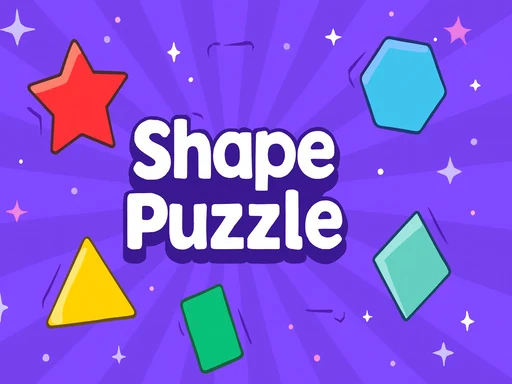
Kids Geometry transforms shape learning into an exciting adventure! This educational game helps children discover and recognize geometric shapes through colorful, interactive gameplay. As kids progress through multiple levels of increasing complexity, they'll develop spatial awareness while exploring shape properties. With vibrant visuals and engaging sound effects, Kids Geometry makes mastering geometry fundamentals both fun and rewarding for young learners.
Kids Geometry Instructions
Q: How do I play Kids Geometry on a desktop computer?
A: Use your mouse to click on shapes and buttons to interact with the game.
Q: How do I play Kids Geometry on a touchscreen device?
A: Simply tap the shapes and buttons on the screen to select and explore.
Q: What is the main way to interact in Kids Geometry?
A: Whether using a mouse or touchscreen, the controls are simple and intuitive—just select shapes to learn and progress!