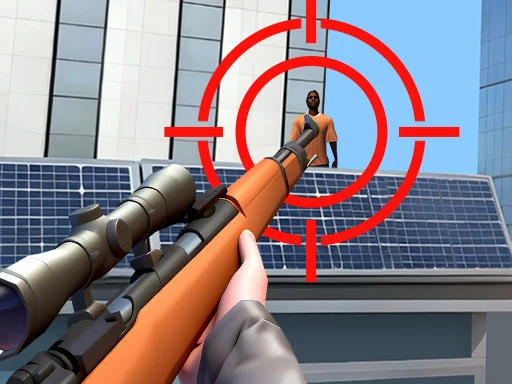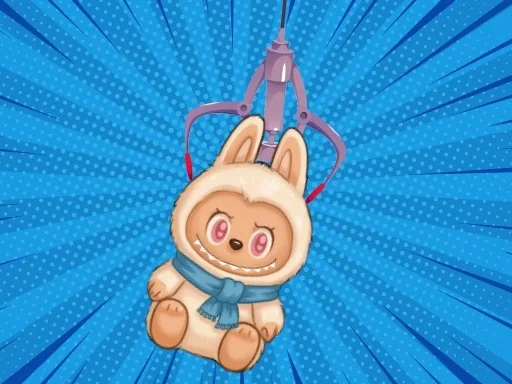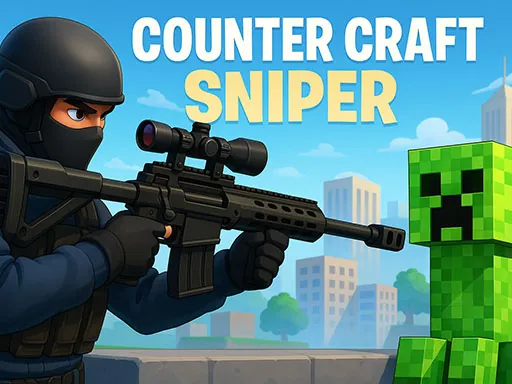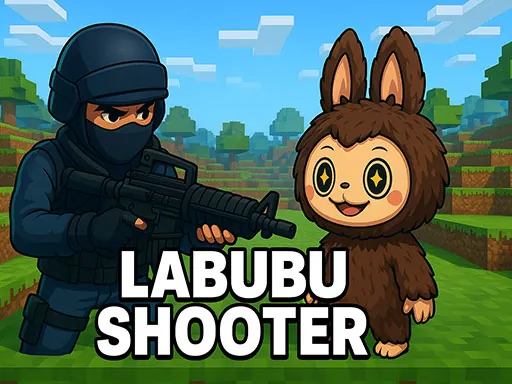

In Labubu Shooter, experience a fast-paced tactical FPS where you battle waves of quirky Labubu creatures across Minecraft-inspired arenas. This unique crossover blends intense combat with signature humor for an unforgettable shooting adventure.
Labubu Shooter Instructions
Q: How do I move my character in Labubu Shooter?
A: Use WASD to move, Space to jump, Shift to run, and C to crouch.
Q: What are the combat controls in Labubu Shooter?
A: Left Mouse Button to shoot, Right Mouse Button to aim, H for melee, and G to throw a grenade.
Q: How do I perform actions like reloading in Labubu Shooter?
A: Press R to reload, F to interact with objects, and M to mute audio.
Q: How do I switch weapons in Labubu Shooter?
A: Use the number keys 1 through 9 to select different weapons.
Q: How do I pause the game in Labubu Shooter?
A: Press the TAB key to pause the game.