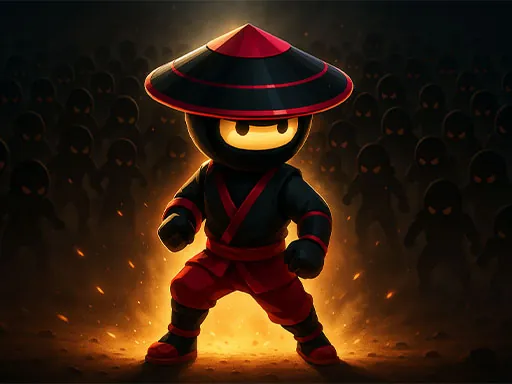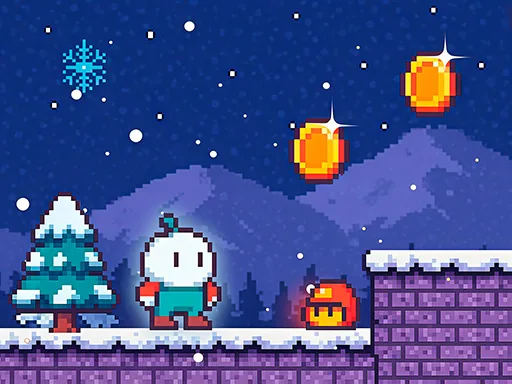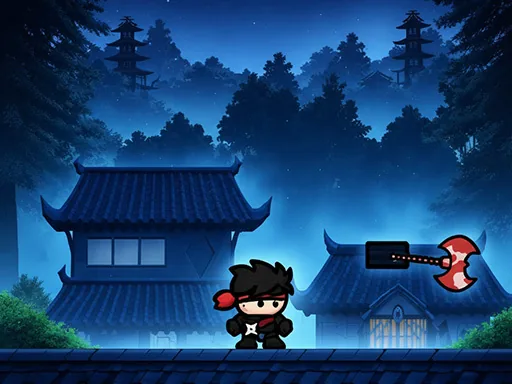

In Ninja Warrior Game, you step into the role of a shadow warrior navigating a world of danger and precision. The game focuses on fast-paced platforming and combat, where every level tests your ability to run, jump, and fight through traps and enemies. As a ninja warrior, you must master movement and timing to survive increasingly difficult missions. The environment is filled with spikes, pits, and patrols that require quick reflexes and strategic thinking. Ninja Warrior Game emphasizes skill over luck, rewarding players who learn enemy patterns and level layouts. Each stage presents new obstacles, from swinging blades to archer ambushes, pushing you to adapt your approach. The core loop is simple: move forward, eliminate threats, and reach the exit. There are no unnecessary cutscenes or filler—just pure action and challenge. Whether you are dodging a volley of arrows or leaping across crumbling platforms, the game keeps you engaged with tight controls and responsive feedback. Ninja Warrior Game is designed for players who enjoy classic arcade-style difficulty combined with modern fluidity. Your journey as a ninja warrior is defined by persistence and improvement, not by luck or grinding. The game respects your time by offering checkpoints and clear feedback on mistakes. If you are looking for a straightforward, adrenaline-driven experience where every second counts, Ninja Warrior Game delivers exactly that.
Ninja Warrior Game Instructions
Q: How do I move my character in Ninja Warrior Game?
A: Use the W key to move forward, S key to move backward, A key to move left, and D key to move right.
Q: What is the control scheme for Ninja Warrior Game?
A: Movement uses the W, A, S, D keys. All other interactions, such as clicking buttons or selecting options, are done with the mouse.
Q: Can I use a controller in Ninja Warrior Game?
A: The game is designed for keyboard and mouse input. Controller support is not available in the current version.
Q: How do I attack or perform actions in Ninja Warrior Game?
A: Combat and special actions are triggered by mouse clicks. Refer to on-screen prompts for specific actions during gameplay.
Q: Is there a pause menu in Ninja Warrior Game?
A: Yes, press the Escape key to pause the game and access settings or quit.
Q: What should I do if my character gets stuck in Ninja Warrior Game?
A: Use the movement keys to reposition. If you are unable to move, restart the level from the last checkpoint using the pause menu.