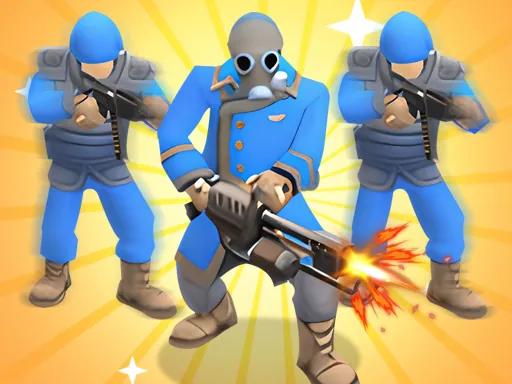

Welcome to Prison Break: Architect Tycoon, where you are tasked with transforming a dilapidated facility into an impenetrable fortress. Your journey begins with an empty, barely functional prison that cannot even contain ordinary inmates, let alone the notorious and highly dangerous Bosses who pose a constant threat. In Prison Break: Architect Tycoon, your strategic vision and management skills are the keys to success. Your primary objective is to overhaul and upgrade every aspect of your facility to prevent escapes and maintain order. This involves a detailed construction and management process: you must build and strategically place new security cameras to monitor blind spots, reinforce doors and walls to withstand inmate attacks, and hire and deploy security guards to patrol corridors and respond to incidents. Beyond basic infrastructure, continuous improvements are crucial. You can research and unlock advanced technologies, enhance cell block layouts, and install additional deterrents. A unique feature of Prison Break: Architect Tycoon is the ability to personally upgrade your chief overseer. You can invest in making them faster to respond to crises, improve their weaponry to subdue tougher prisoners, and enhance their capacity to transport multiple inmates simultaneously, increasing operational efficiency. As you master one prison, the challenge expands. Prison Break: Architect Tycoon invites you to take on the management of multiple facilities, each with its own layout and security challenges, testing your prowess as the ultimate prison architect. The game's blend of strategic planning, resource management, and direct oversight offers engaging gameplay suitable for a wide audience, ensuring that every player finds a compelling and interesting task within the complex world of prison design and security management.
Prison Break: Architect Tycoon Instructions
Q: How do I control my character in Prison Break: Architect Tycoon on PC?
A: Use the WASD keys or the arrow keys. Alternatively, you can hold the left mouse button and drag in the direction you want to move.
Q: How does shooting work in Prison Break: Architect Tycoon?
A: Your hero shoots automatically at targets within range; no manual firing button is needed.
Q: What are the controls for Prison Break: Architect Tycoon on mobile devices?
A: Simply press and hold your finger on the screen, then drag in your desired direction to move the character.