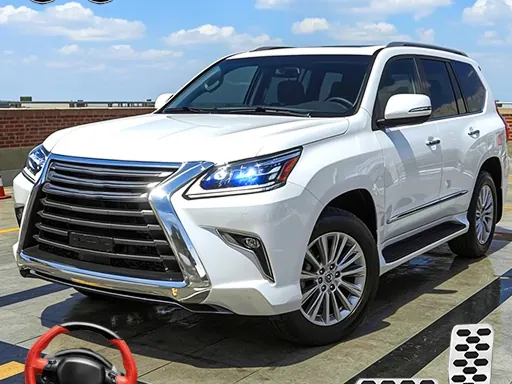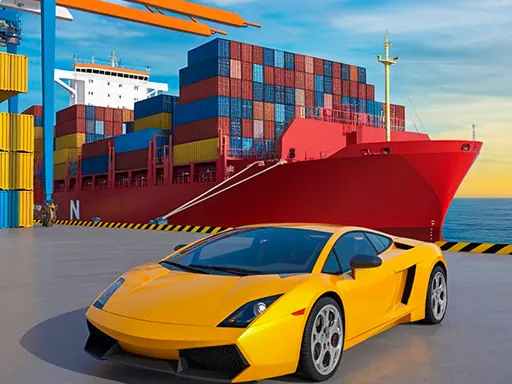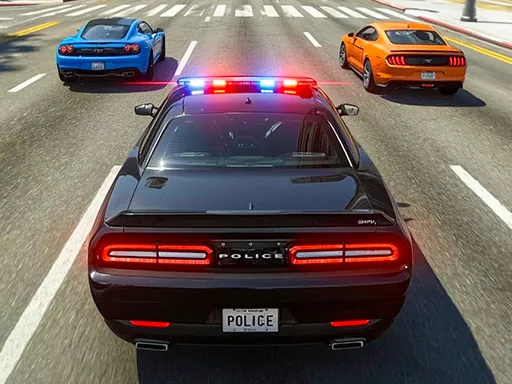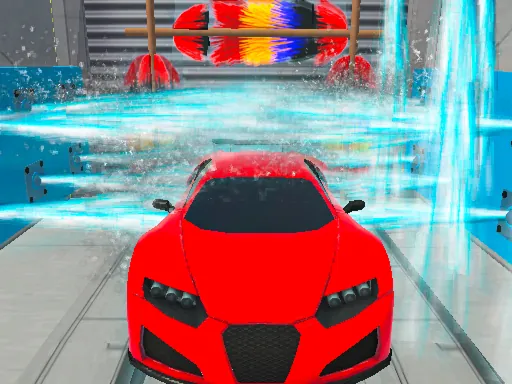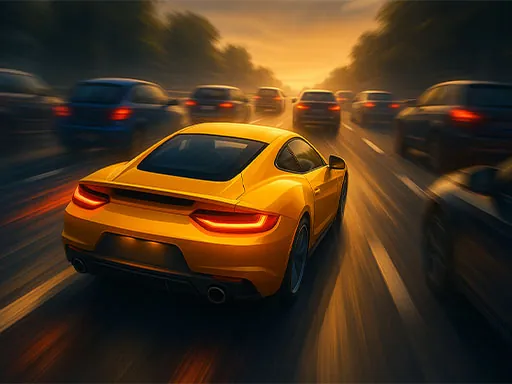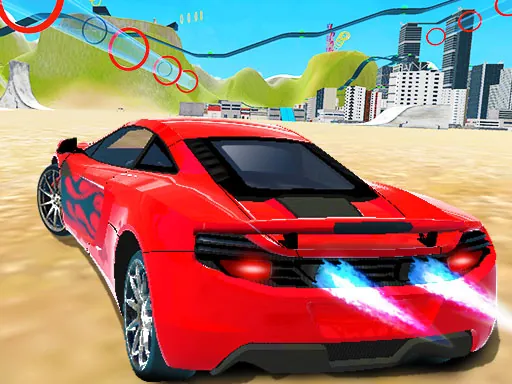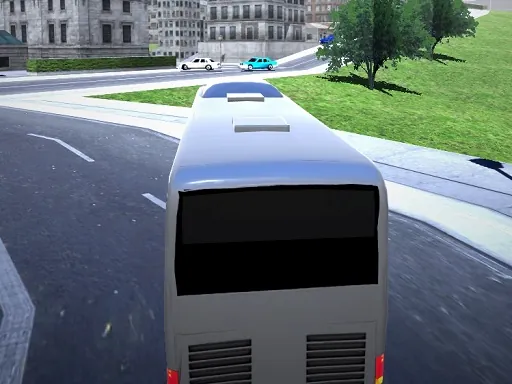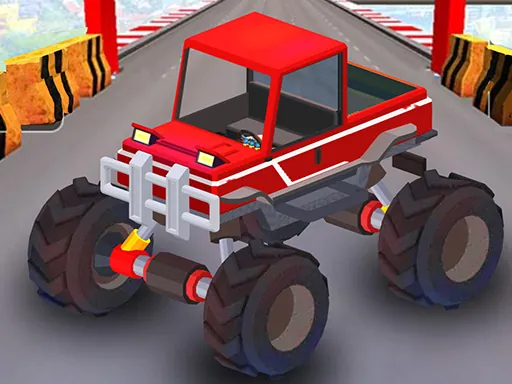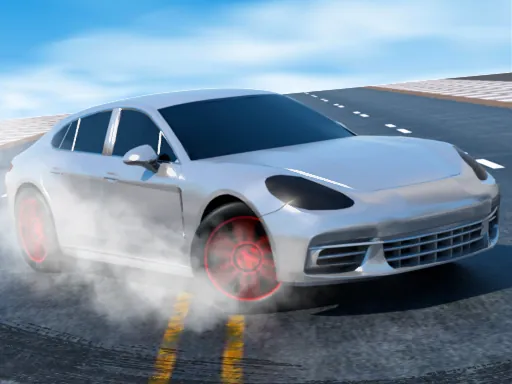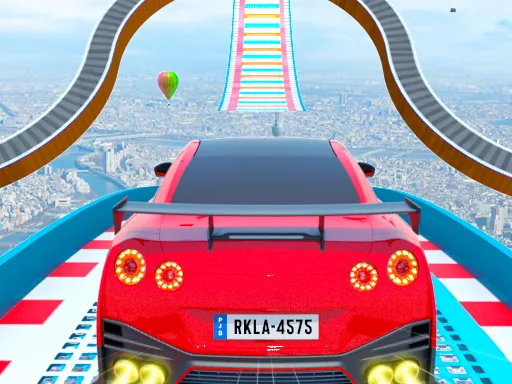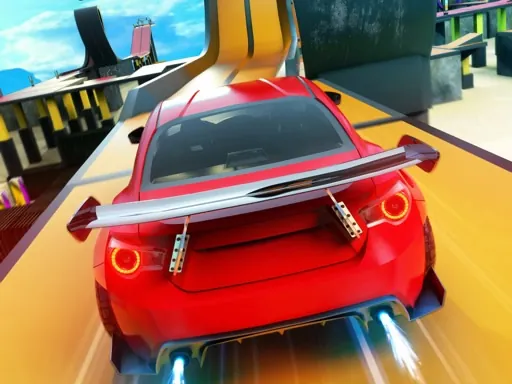

Welcome to Rocket Stunt Cars, where the thrill of high-octane stunt driving meets expansive open-world exploration. This game puts you behind the wheel of powerful vehicles engineered for spectacular aerial maneuvers and precision driving across a diverse and massive landscape. Your adventure begins by choosing your playground: test your skills on the dedicated, wide-open stunt map filled with ramps, loops, and challenging obstacles designed for pushing your car and your courage to the limit. If you prefer a more grounded but equally intense challenge, navigate the bustling city streets, weaving through dynamic traffic and utilizing the urban environment for improvised stunts. For those who crave pure speed, take to the extensive highway system and experience high-velocity driving amidst fast-moving traffic. Rocket Stunt Cars is built around freedom and variety, offering multiple goals and game modes to suit your mood, whether you aim to master complex stunt courses, explore freely, or complete specific driving objectives. To fully immerse yourself in the experience, the game features multiple camera perspectives. You can switch to the intense, first-person cockpit view for a driver's-eye view of the action, feeling every jump and turn, or utilize the classic third-person view to better appreciate the scale of your stunts and your car's design. Every environment, from the vast desert to the dense city, is crafted to be your personal stunt arena. In Rocket Stunt Cars, the map is your canvas, and your car is the tool for creating moments of automotive brilliance. Pick your starting point, rev your engine, and define your own epic driving saga.
Rocket Stunt Cars Instructions
Q: How do I control my vehicle in Rocket Stunt Cars?
A: Use the W, A, S, D keys or the Arrow Keys for driving.
Q: How do I perform a rocket boost in Rocket Stunt Cars?
A: Press the N key to activate your Nitrous Oxide System (NOS) for a speed boost.
Q: How do I brake or slow down in Rocket Stunt Cars?
A: Press the Spacebar to apply the brakes.
Q: Can I change my view in Rocket Stunt Cars?
A: Yes, press the C key to switch between different camera modes, including cockpit and third-person views.