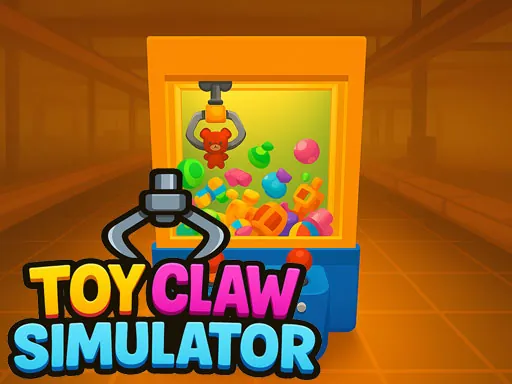

Toy Claw Simulator brings the authentic and captivating experience of a classic arcade claw machine directly to your screen. In this game, you become the master of your very own virtual claw machine, tasked with collecting a diverse and delightful array of toys. The core challenge of the Toy Claw Simulator lies in mastering the precise timing and careful positioning required to successfully grab your targets. You'll need to skillfully maneuver the crane over plush animals, detailed action figures, and various surprise collectibles, each with its own unique shape and weight that affects your strategy. Successfully capturing these adorable prizes is only the first step. As you build up your personal toy inventory, the game introduces a compelling progression layer. You can then transport your collected haul to the in-game factory to sell them, earning shiny coins for your efforts. These coins are the lifeblood of your Toy Claw Simulator adventure, allowing you to fund further plays and operate the crane to pursue even more toys. This cycle of skillful collection and strategic selling creates a deeply satisfying loop. The game continuously rewards your improving skills with new, unlockable toys to discover, ensuring that there is always a fresh goal on the horizon. Toy Claw Simulator perfectly blends the immediate thrill of the grab with the long-term satisfaction of building a collection and managing your resources. It captures the nostalgic joy of the arcade while adding a layer of thoughtful strategy, making every successful grab and every coin earned feel truly meaningful. Whether you're aiming for a specific plushie or trying to complete a set, Toy Claw Simulator offers a charming and engaging experience that tests both your dexterity and your planning.
Toy Claw Simulator Instructions
Q: How do I control the crane in Toy Claw Simulator on a desktop computer?
A: Use the WASD keys or the Arrow keys to move the crane into position.
Q: How do I grab a toy in the Toy Claw Simulator on desktop?
A: Press the Spacebar to lower the claw and attempt to grab a toy.
Q: What are the controls for the Toy Claw Simulator on a mobile device?
A: Touch and drag your finger on the screen to move the crane. To grab a toy, tap the red button that appears.