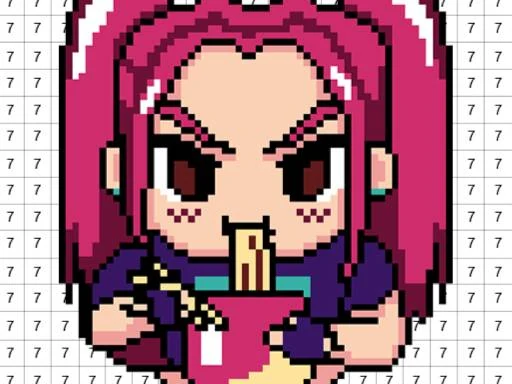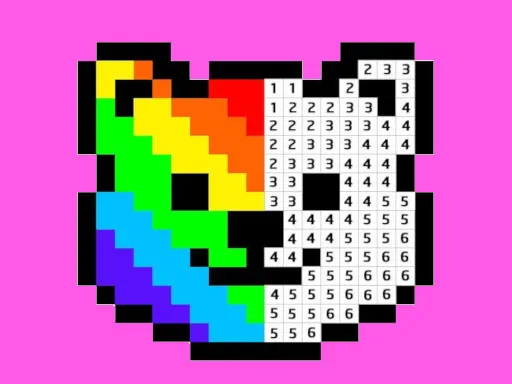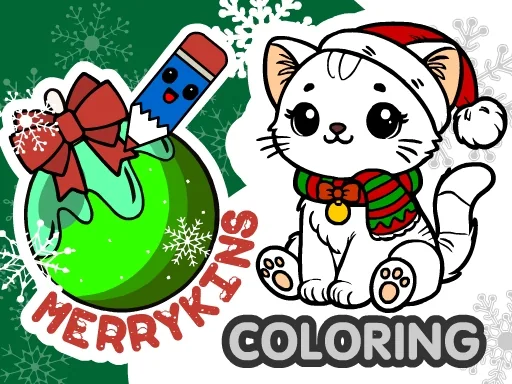

Welcome to MerryKins Coloring, a heartwarming digital coloring book designed to bring the cozy magic of winter to life for colorists of all ages. At its core, MerryKins Coloring is an invitation to unwind and immerse yourself in a festive, snowy world, accompanied by a cheerful soundtrack that perfectly captures the spirit of the season. The game offers a rich collection of 30 unique and charming winter scenes, each one a small story waiting for your personal touch. You'll find joyful children building snowmen, playful kittens and puppies, adorable bear cubs, classic symbols like Santa Claus and the Snow Maiden, beautifully decorated Christmas trees, and various scenes of snowy adventures. Every illustration in MerryKins Coloring is crafted to spark creativity and evoke the warmth of holiday memories. To bring these MerryKins scenes to life, you have a comprehensive and intuitive set of artistic tools at your fingertips. Choose from a vibrant palette to pick your favorite colors, and apply them using a pencil for detailed work, a fill tool for broad areas, or experiment with multiple brush types for different textures. The handy eyedropper lets you match colors perfectly, while the eraser, copy & paste, and undo functions ensure your creative process is smooth and forgiving. For a fun and surprising twist, try the random fill mode to discover unexpected and delightful color combinations. Once your masterpiece in MerryKins Coloring is complete, you can save it directly to your device as a JPG file, making it easy to share your festive artwork with friends and family or keep it as a personal digital souvenir. Whether you're seeking a relaxing creative outlet or a festive activity to share, MerryKins Coloring provides a perfect, endlessly customizable winter canvas.
MerryKins Coloring Instructions
Q: How do I start coloring in MerryKins Coloring?
A: Simply use the left mouse button or touch to select a coloring tool and a color from the palette.
Q: How can I see more details in MerryKins Coloring?
A: Zoom in and out on the canvas using your mouse wheel or a pinch gesture on touchscreens.
Q: What if I forget what a tool does in MerryKins Coloring?
A: Tap the question mark (?) icon for helpful tips on all the available tools.
Q: Can I save my work in MerryKins Coloring?
A: Yes! Use the floppy disk icon to save your progress, and save your finished picture to your device to share it.