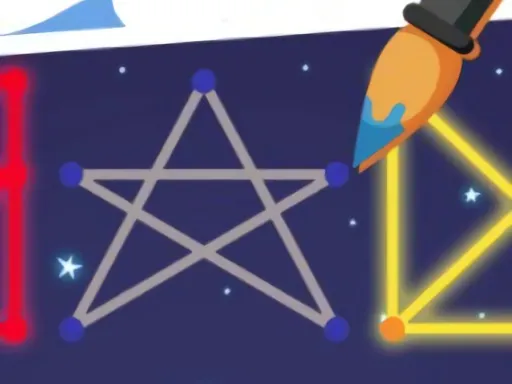

One Touch Drawing is a captivating puzzle game that masterfully blends sleek, futuristic aesthetics with classic line-connection gameplay. At its core, the challenge is elegantly simple: you must connect all the glowing aperture points on the screen with a single, continuous line. However, the true brilliance of One Touch Drawing lies in its clever constraints—once a line segment is drawn and illuminated, it cannot be retraced or crossed again. This fundamental rule transforms each puzzle into a satisfying exercise in spatial reasoning and forward planning. The game's visual identity is defined by its dazzling light and shadow effects, creating a vibrant, tech-inspired atmosphere that makes every successful connection feel like activating a circuit in a sophisticated neural network. As you progress, the puzzles evolve from straightforward layouts to intricate webs of points, demanding increasingly creative solutions. One Touch Drawing is meticulously designed to engage your mind, offering a perfect blend of relaxation and mental stimulation. It’s the ideal digital pastime for anyone looking to unwind while giving their brain a focused workout, providing a deeply satisfying sense of accomplishment with each solved puzzle. The clean, intuitive interface ensures that your focus remains solely on the logical challenge at hand, making every session of One Touch Drawing a seamless and immersive experience.
One Touch Drawing Instructions
Q: What is the basic objective in One Touch Drawing?
A: Your goal is to connect all the glowing aperture points on the level with one continuous line without lifting your finger or retracing any lit segment.
Q: How does the difficulty progress in One Touch Drawing?
A: Levels become progressively more complex, introducing special mechanics like lines that must be passed twice, one-way directional paths, and jumping points that teleport your line to another location.
Q: What is the key rule I must always remember in One Touch Drawing?
A: The most critical rule is that you cannot draw over a line segment that has already been illuminated; each path can only be used once per solution.