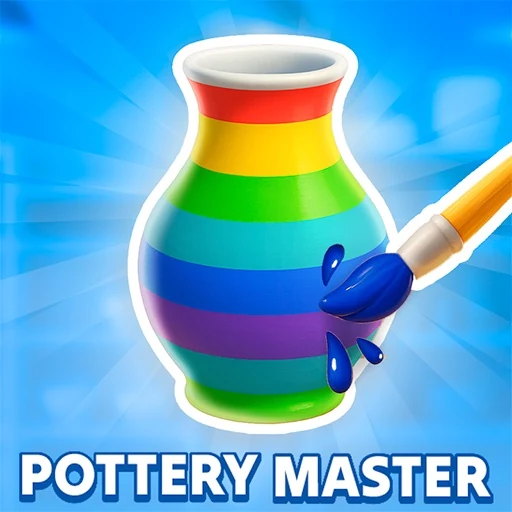

Pottery Master invites you to step into the serene and creative world of a potter's studio. This hands-on simulator places you directly at the potter's wheel, giving you the tools to transform humble lumps of clay into beautiful ceramic pieces. Your journey begins with mastering the wheel: feel the clay respond to your touch as you guide it upwards to pull the walls, outwards to shape the form, and with careful pressure to refine curves and create delicate features like narrow necks or flared rims. The game provides intuitive visual guides, showing the target shape with white outlines, helping you learn the fundamental techniques of throwing pottery. But becoming a true Pottery Master is about more than just the initial shape. Once your piece is formed, you'll move to the detailed finishing stages. Use specialized tools to trim away excess clay, smooth surfaces to a perfect finish, and then unleash your artistic vision in the decoration phase. Apply base glazes, paint on intricate patterns, or add colorful stripes to make each creation uniquely yours. Every item you craft is then evaluated for its fidelity to the client's request, with a percentage score reflecting your skill. As you progress, you'll hone your abilities, tackle more complex designs, and build a diverse portfolio of ceramic ware, from simple cups to elegant vases. Pottery Master is designed to be a meditative and rewarding experience, focusing on the tactile joy of creation and the satisfaction of developing a real craft from start to finish.
Pottery Master Instructions
Q: How do I start playing Pottery Master?
A: The game begins with a tutorial. A lump of clay will appear on the wheel. Hold down the left mouse button and follow the white dots as shown by the guiding hand to shape the clay.
Q: What are the basic controls in Pottery Master?
A: Drag upwards to pull the clay up, drag sideways to widen the form, and drag from the top down to narrow it. Use curved motions to create specific shapes like flared rims or narrow necks.
Q: What is the goal during the shaping phase in Pottery Master?
A: Your goal is to match the white outline shown on screen. Try to replicate the target shape as accurately as possible, then click 'Next' to proceed.
Q: What happens after shaping in Pottery Master?
A: You'll select tools from the bottom bar to trim excess clay, smooth the surface, and then paint and decorate your piece (e.g., apply a white base coat then add colored stripes).
Q: How is my work evaluated in Pottery Master?
A: At the end, the game checks how closely your final ceramic matches the order and gives you a percentage score. Practice to improve your accuracy and become an expert potter.